Document scanner for iPhone
Paper in, clean PDF out.
Pagebury scans letters, receipts, forms and notes with your iPhone camera and turns them into clean PDFs you can search. Unlimited scans and text recognition are free, with no account and no adverts.
Coming soon to the App Store
For iPhone, iOS 18 or later.- No account
- No adverts
- Never uploads your scans
Questions? [email protected]
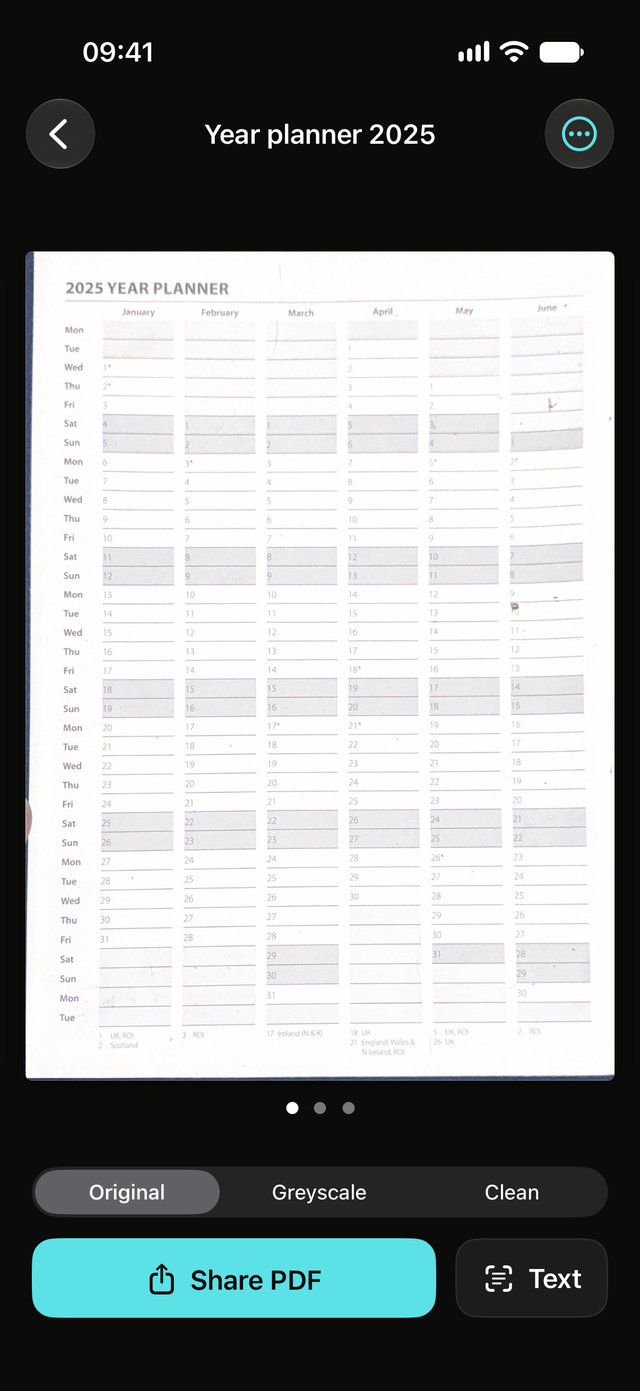
Hold your iPhone over the page. The edges are found and the page is flattened, several pages in one go.
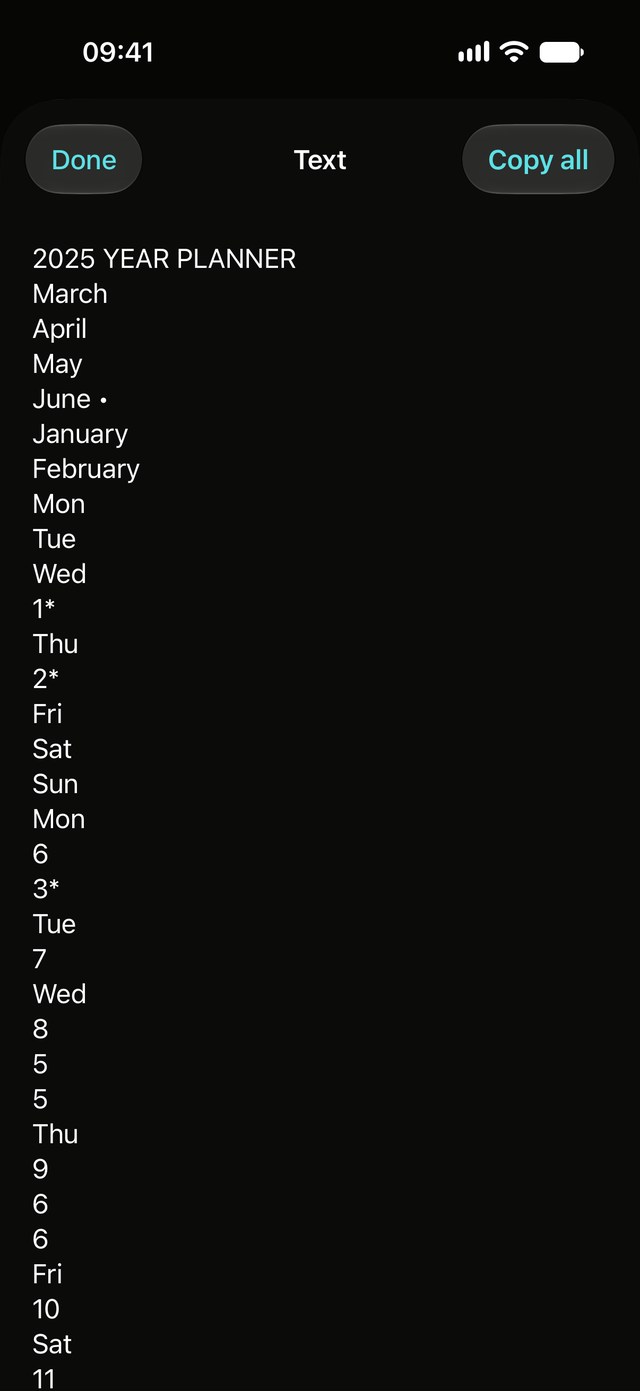
Every word in every scan is recognised on your phone. Type a name, a reference or a postcode and the right page comes up.
Send a searchable PDF, the pages as images, or just the text, from the share sheet like any other file.
Point the camera. The page sorts itself out.
The camera finds the edges of the page and flattens it, several pages in one go. Crooked letters, curled receipts and book pages all come out square.
- Letters, receipts, forms, contracts, notes and book pages
- Import from Photos or Files too
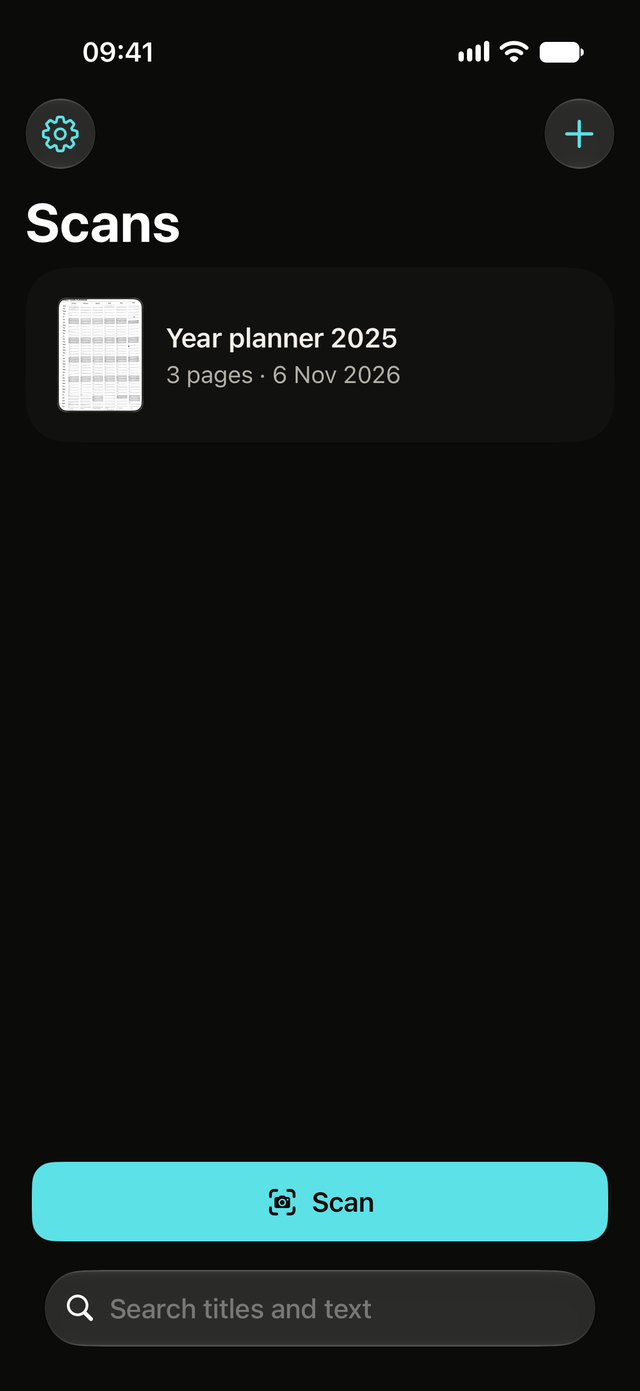
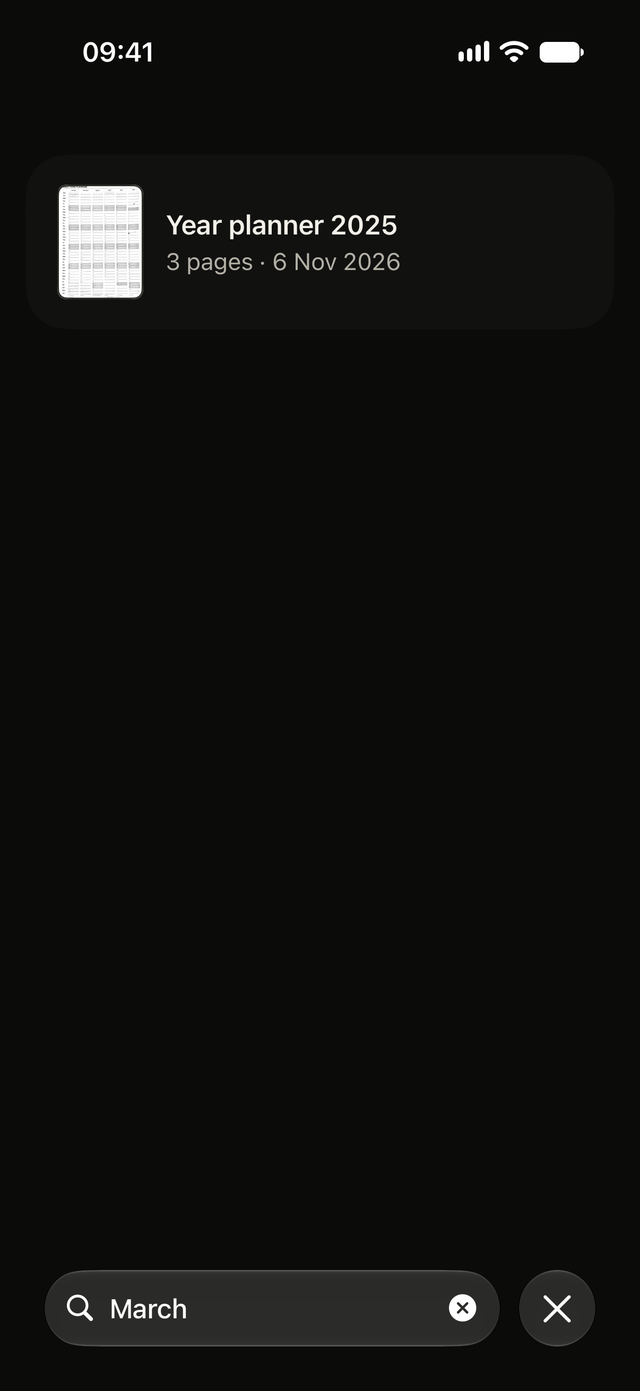
Search inside every scan.
Text in every scan is recognised on your iPhone, so searching "invoice" or a postcode finds the right document, even months later.
- Recognition runs on the phone, nothing is sent anywhere
- Share a PDF where the words can be selected and searched. Keeping receipts? See how to scan receipts on iPhone.
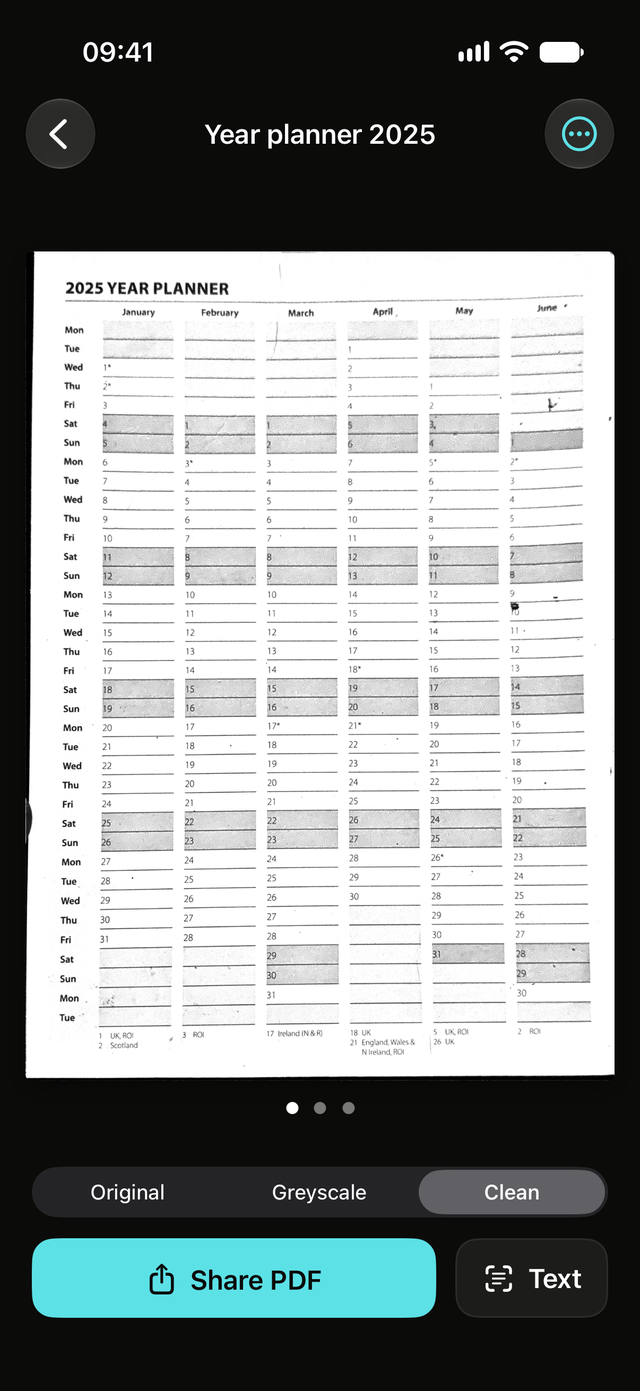
A crisp photocopy finish, when you want it.
Original, Greyscale or Clean for a photocopy finish. Every look is made from the original photo, so you can switch back at any time without losing anything.
- Three looks, one tap
- Nothing is baked in, nothing is lost
For scans you would rather keep private.
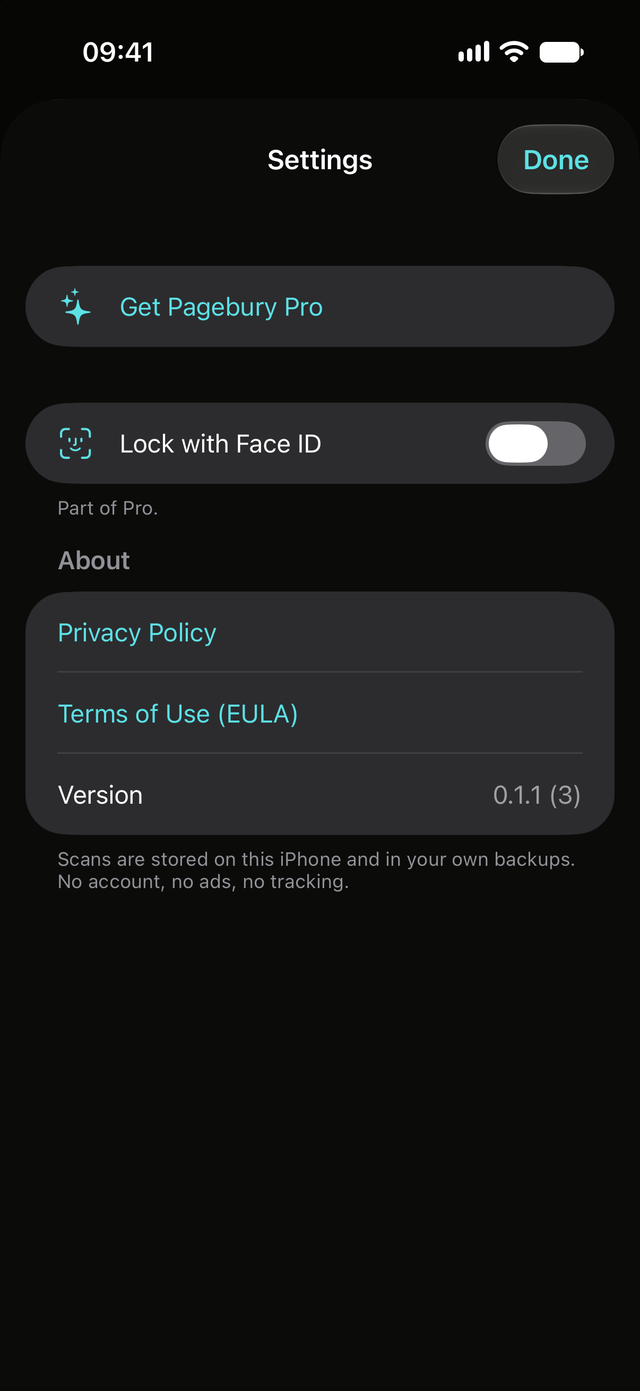
Lock the app with Face ID, Touch ID or your passcode, and share PDFs that need a password to open. That is all Pro is. Everything else stays free.
- App lock with Face ID, Touch ID or passcode
- Password-protected PDFs
Free, and honest about the extras
Everything you need to scan is free. Pro is a lock and password PDFs, nothing more.
Free
Everything you need to scan.
- Unlimited scans and pages
- Text recognition and search
- PDF, image and text sharing
- Import from Photos or Files
- No account, no adverts, no watermark
Coming soon to the App Store
Pro
A yearly or monthly subscription, or a one-off lifetime purchase, priced in the App Store in your currency.
- Everything in Free
- Lock the app with Face ID, Touch ID or your passcode
- Password-protected PDFs
Unlock Pro inside the app
The app never uploads your scans
There is no account and no tracking, and text recognition runs on your iPhone. Scans are stored on your iPhone and in your own backups. Read the privacy policy.
Pagebury for iPhone
Paper in, clean PDF out. Free, with no account and no adverts.
Coming soon to the App Store